Free Tip Pooling Calculator & Restaurant Tip Pool Software
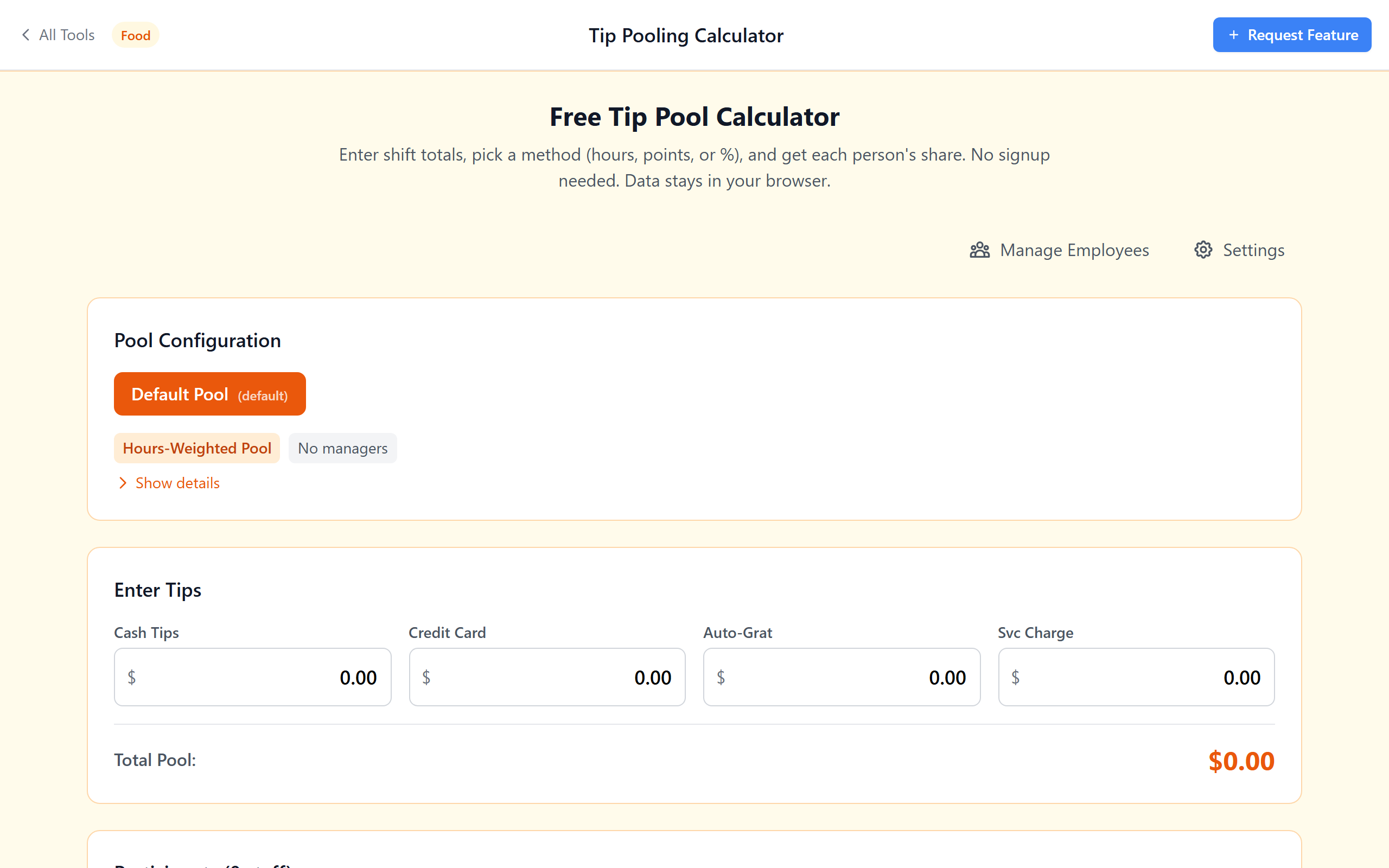
Enter shift totals, pick a method (hours, points, or %) and get each person's share instantly. Six split methods, state compliance checks and CSV export — no signup, no spreadsheet, no monthly fee.
A Real Tip Pool Tool — Not Another Spreadsheet
Split by Hours, Points, or %
Hours-weighted, points-based, hybrid (points × hours), percentage tip-outs, percentage of sales and equal split. Six methods — pick the one your house uses.
Per-Person Breakdown in Seconds
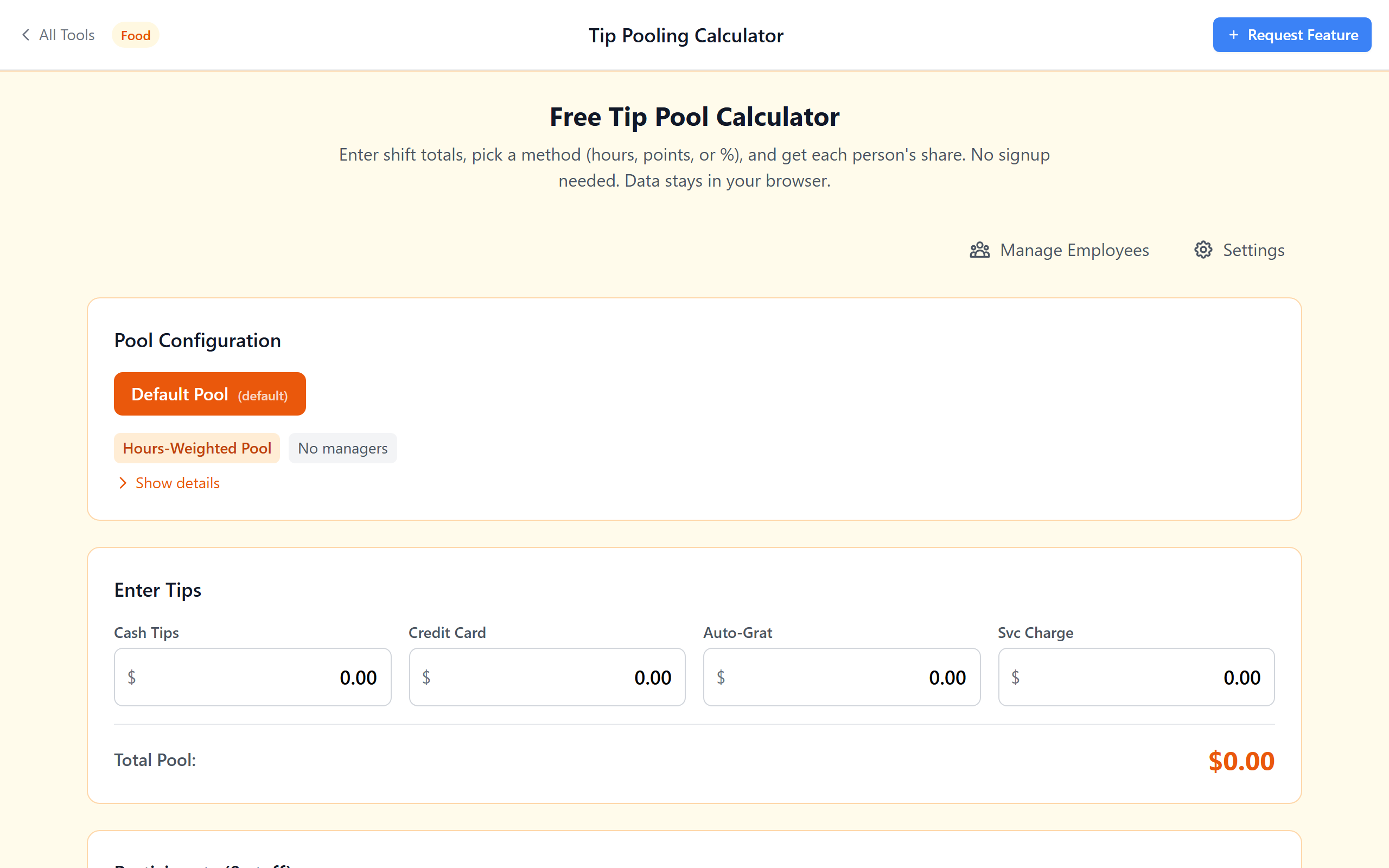
Enter cash, card and auto-grat totals, see each person's share immediately. No formulas to maintain, no broken cells.
State Compliance Warnings
Built-in checks for 20 US states covering manager exclusion, tip-credit eligibility, back-of-house inclusion and credit-card fee deduction.
Credit Card Fee Deductions
Optionally deduct processing fees before splitting. Configurable rates with warnings if your state restricts the practice.
CSV Export for Payroll
Download every distribution as a CSV — opens in Excel, Google Sheets, Toast Payroll, Gusto, ADP. End-of-shift records in one click.
Your Data Stays on Your Device
No signup, no server, no subscription. Employee names and tip data never leave your browser. Works offline after first load.
See It in Action
Six Tip Pool Methods — Pick the One Your House Uses
Select hours-weighted, points-based, hybrid or any of six methods. Enter the shift's cash and card totals. The calculator splits the pool instantly with a per-person breakdown.
- Hours-weighted: divides tips proportional to time worked
- Points-based: assign point values per role (Server 10, Busser 5, Host 3…)
- Hybrid: points × hours for nuanced splits
- Percentage tip-outs: traditional server-to-support-staff splits
- Percentage of sales: when tip share is based on sales rung up
- Equal split: same amount for everyone on the shift
State Rule Checks — Built In
The calculator flags common regulatory issues based on publicly available state labor rules. Manager exclusion, tip-credit eligibility, back-of-house inclusion and minimum-wage shortfall are checked automatically. This is a reference tool, not a substitute for an employment attorney.
- 20 states covered: CA, NY, TX, FL, WA, OR, NV, AZ, CO, MA, IL, PA, OH, GA, NC, MI, NJ, VA, TN, MO
- Manager exclusion verification
- Tip-credit eligibility per state
- Minimum-wage shortfall warnings
- Back-of-house inclusion rules
Set Up Staff Once, Reuse Every Shift, Export to Payroll
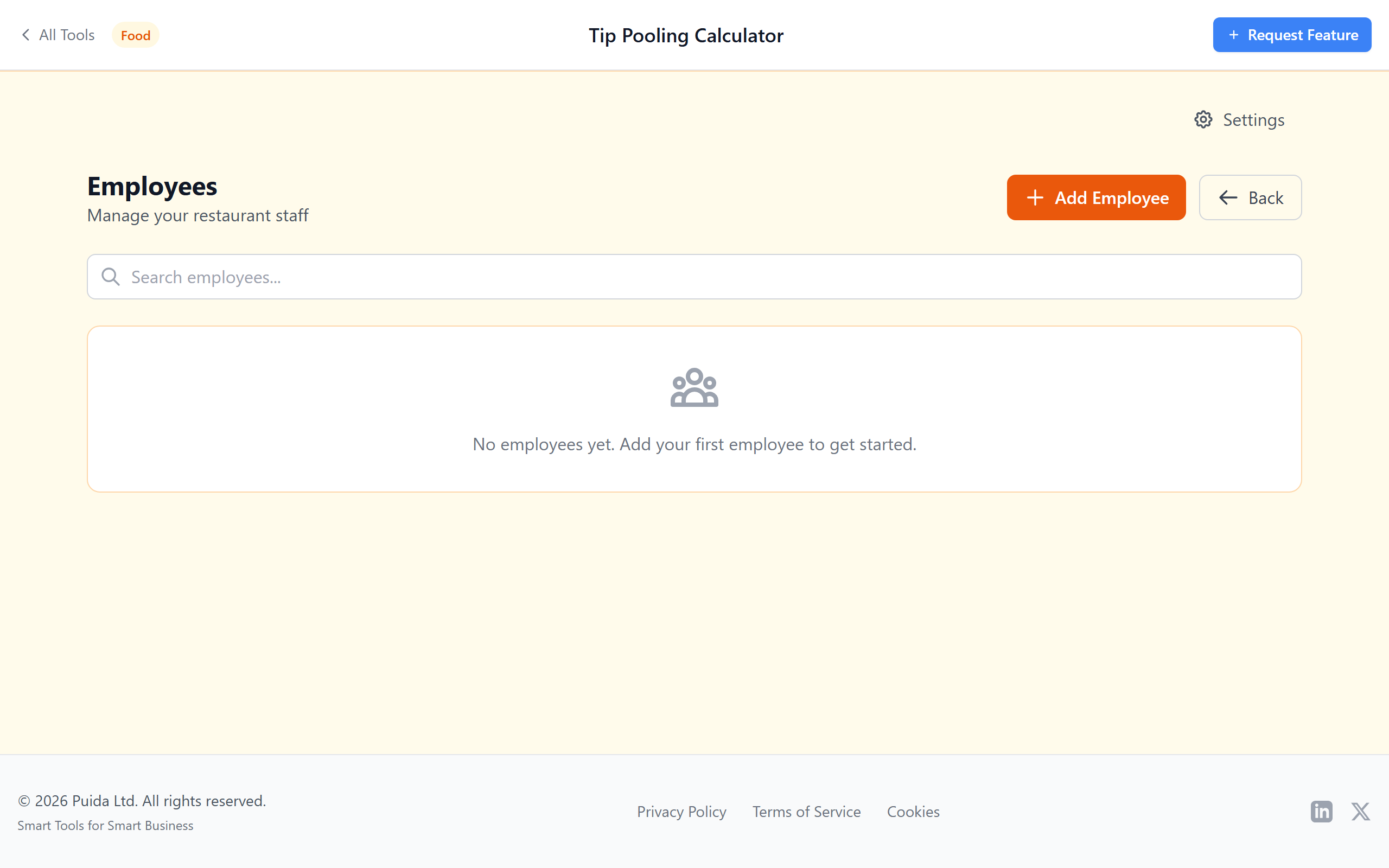
Add employees with their roles, hourly rates and pool participation settings. The roster saves in your browser — no account needed. Approve each distribution and export the CSV straight to payroll or end-of-shift records.
- Role-based point values (Server, Bartender, Busser, Host, Runner, BOH…)
- Track tip-credit eligibility per employee
- Support for dual-role shifts
- Save approved distributions for your records
- Download CSV for Excel, Sheets, Toast, Gusto or ADP
Tip Pooling FAQ
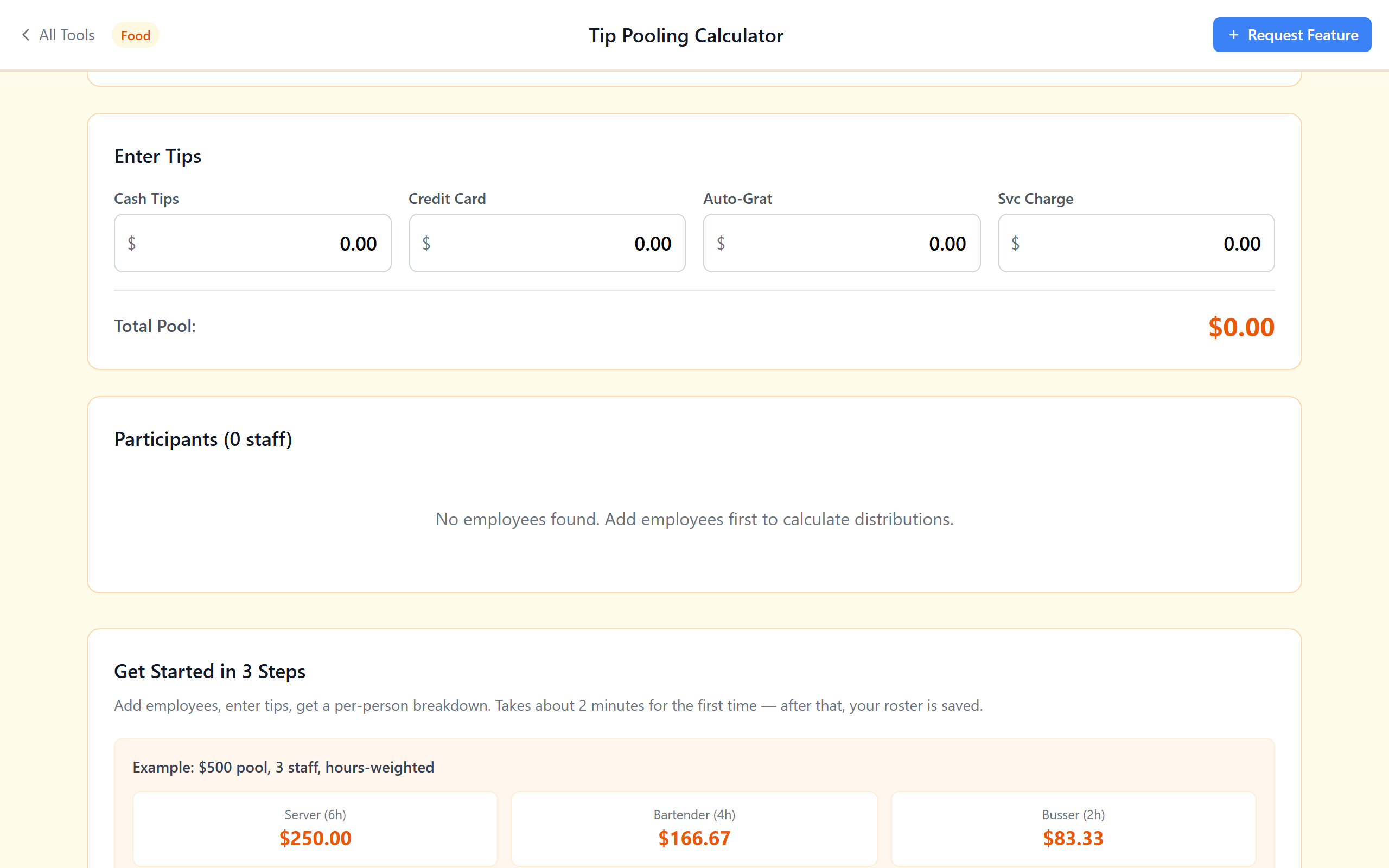
Example: a $500 pool with 20 total hours = $25 per hour. A server who worked 6 hours gets 6 × $25 = $150. A bartender at 4 hours gets $100. A busser at 2 hours gets $50. The calculator above runs this for you — pick "Hours-Weighted", enter each person's hours and the totals, and read the per-person amounts.
This calculator: saves your staff roster (add once, reuse every shift), checks state compliance rules automatically, supports six methods with one click, downloads a CSV you can still open in Excel/Google Sheets, and can't be broken by a stray edit because the formulas live in code, not in a cell.
If you just need the split math, compliance checks and a CSV for payroll, this calculator does the same job for $0. Many small restaurants use the calculator for shift-by-shift splits and only move to paid platforms when staff count or location count grows.
• Restaurants: hours-weighted or points-based, with optional tip-outs to BOH
• Hotels: percentage of tips with separate pools for F&B vs. housekeeping
• Bars: points-based (bartender 10, barback 5) or hybrid
• Coffee shops: equal split or hours-weighted
Add custom roles in the employee manager — the calculator does not care whether you call someone "barista" or "server".
Split Tips in Under a Minute
Free. No signup. CSV export. Your data stays in your browser.
Calculate Tips Now