Free Jump Arc Calculator for Platformers
Set jump height, time to apex and horizontal speed in tiles, pixels or metres — instantly get exact gravity and initial velocity, a live arc preview, and ready-to-paste code for Unity, Godot and Unreal. Variable jump, asymmetric fall gravity and double jump supported.
Design Jumps by Feel, Export Physics by Math
Design-First Inputs
Work in jump height and time to apex — the way designers think about jumps — instead of guessing gravity constants by trial and error.
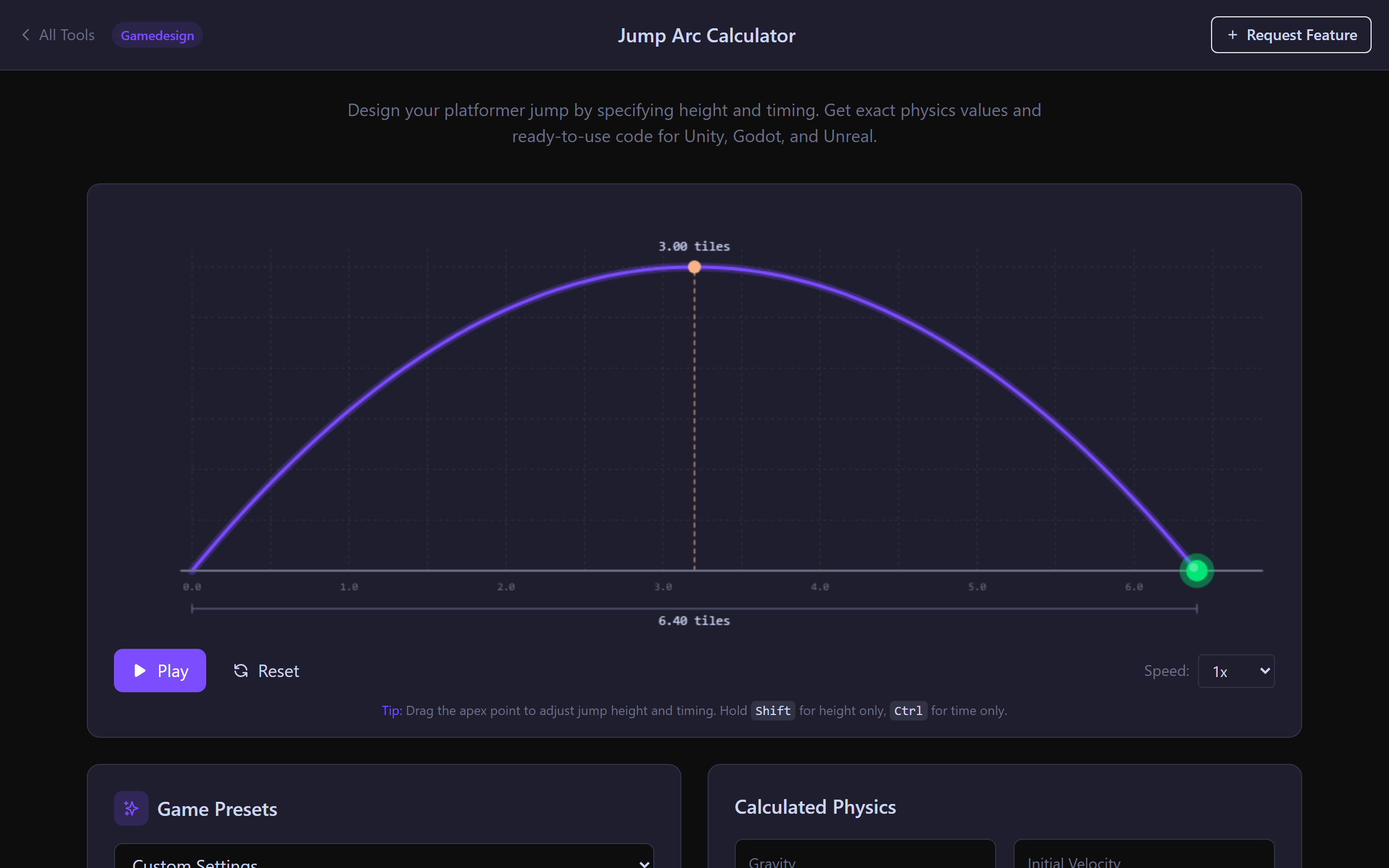
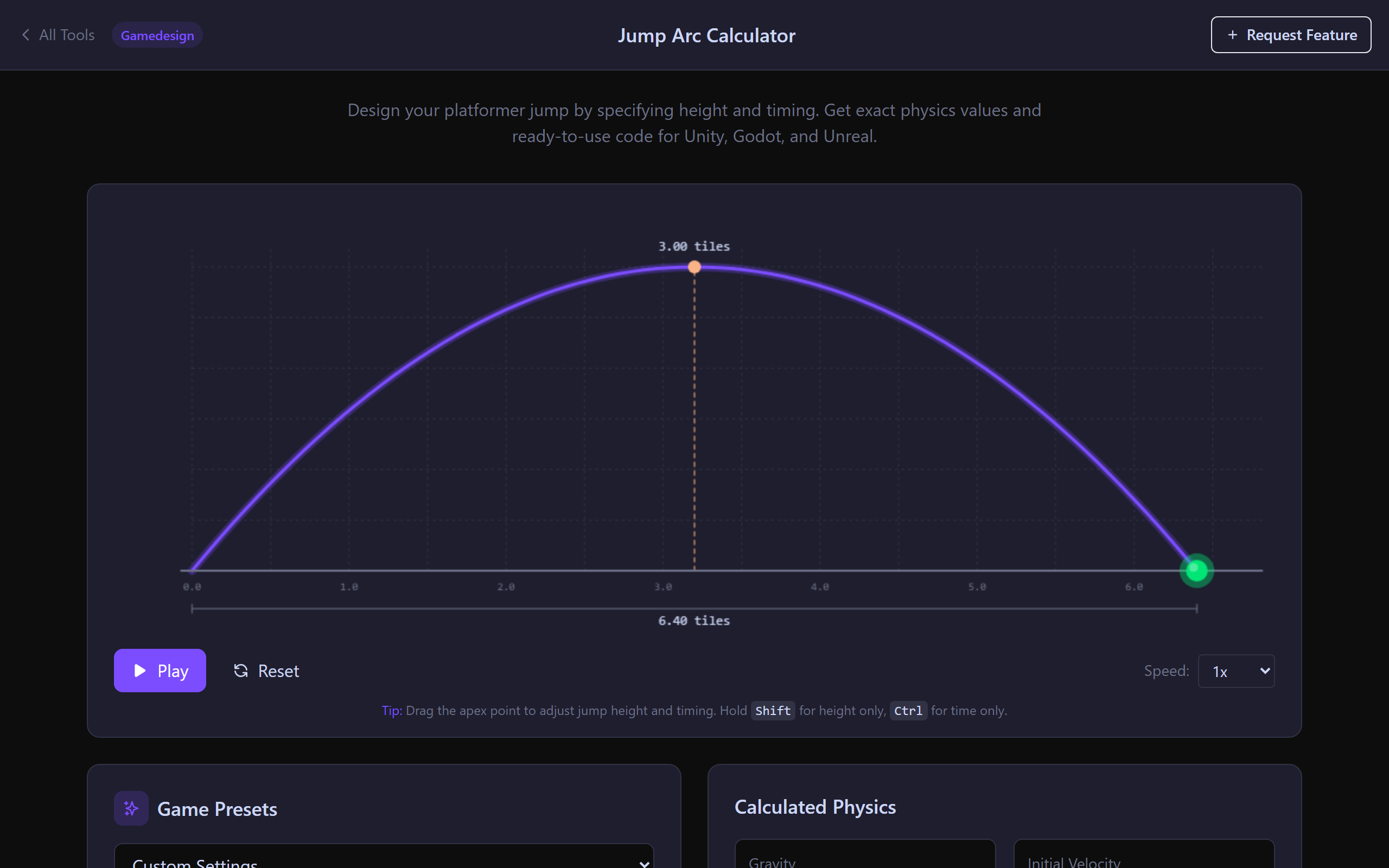
Live Arc Preview
The arc updates instantly as you tweak height, timing or horizontal speed. Drag the apex on the canvas to tune "snappy vs floaty" in seconds.
Variable Jump + Asymmetric Gravity
Hold-to-jump higher, fall faster than you rise, double jump — all the mechanics modern platformers use, modelled directly.
Engine Code Ready to Paste
Copy generated code for Unity Rigidbody2D, Godot CharacterBody2D, Unreal Character, or plain kinematic — with your computed gravity and velocity already filled in.
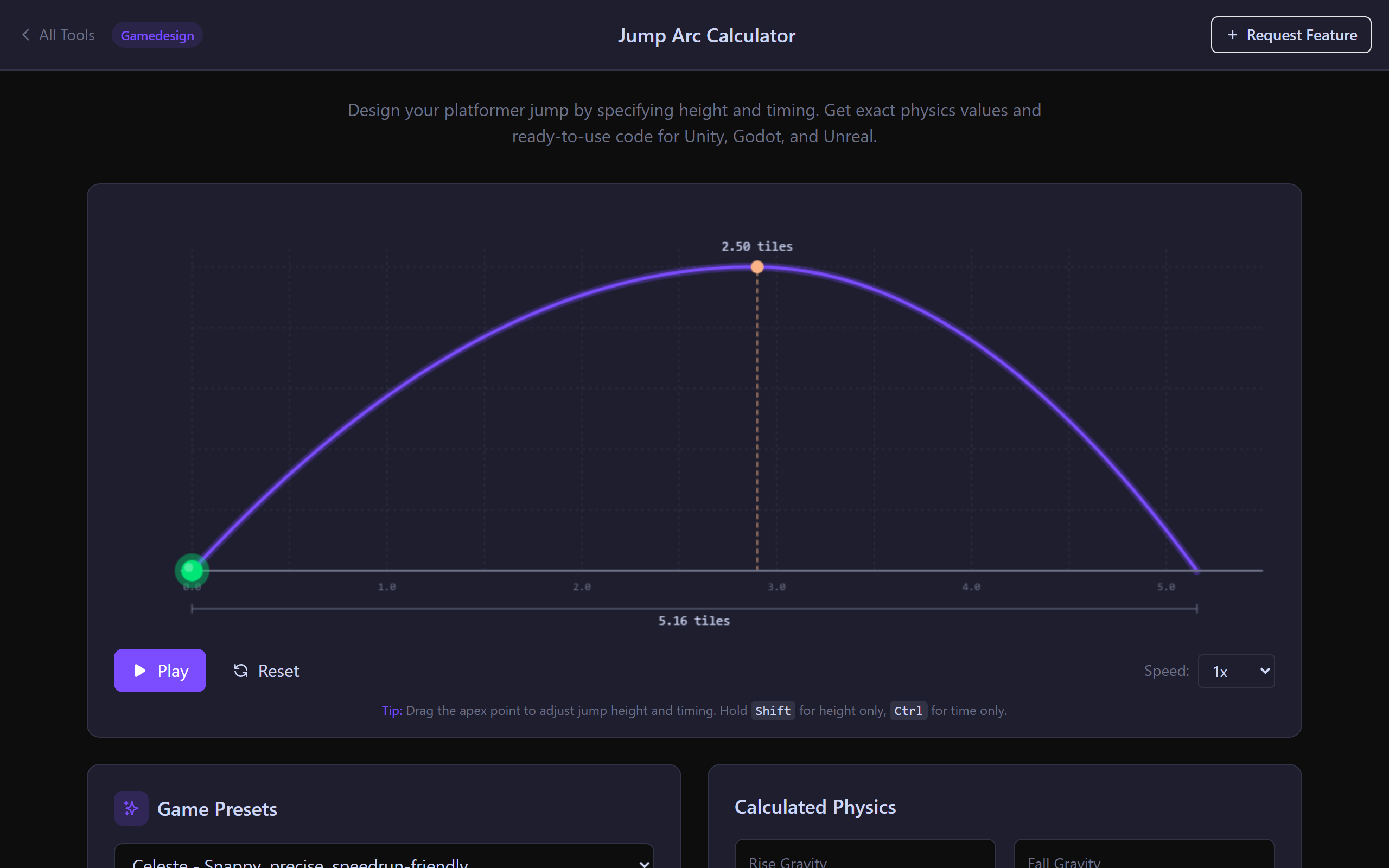
Presets From Classic Platformers
Start from presets inspired by Celeste, Super Mario, Hollow Knight and other reference points to get into the right feel ballpark instantly.
Shareable Config URLs
Copy a URL that encodes every input so designers and engineers can iterate without losing the exact numbers.
Built for Real Platformer Tuning
Live Arc Preview With Drag-to-Tune
Drag the apex marker on the canvas to adjust jump height and timing directly. Use sliders or numeric inputs when you need exact values. Hold Shift to constrain to height only, Ctrl for time only.
- Drag-to-tune apex with constraint modifiers
- Apex marker + distance readout in tiles / pixels / metres
- Playback controls — preview the actual motion
- Works for pure vertical jumps (no horizontal speed)
Variable Jump, Asymmetric Gravity, Double Jump
Model the mechanics modern platformers actually use: variable jump height (release the button to cut the jump short), asymmetric gravity (fall faster than you rise) and a separate double jump with its own physics.
- Hold-to-jump cut-off velocity computed
- Fall gravity multiplier (1.5–2.5× is typical)
- Independent double-jump height + apex time
- Coyote time and jump-buffer suggestions for the timings you picked
Engine Code Export — Unity, Godot, Unreal
Generate ready-to-paste code with your computed gravity, initial velocity, fall multiplier and double jump values baked in. Copy to clipboard or download as a file.
- Unity C# — Rigidbody2D + variable jump
- Godot GDScript — CharacterBody2D move_and_slide
- Unreal C++ — Character / CharacterMovementComponent values
- Generic kinematic snippet for custom engines
Jump Arc FAQ
gravity g = 2 × h / t²
initial velocity v = 2 × h / t
This calculator runs both formulas for you and exports the right values for Unity, Godot or Unreal.
1. Short time to apex. Typical "good feel": 0.3–0.45 s. Anything longer feels floaty.
2. Asymmetric gravity. Fall faster than you rise — multiply fall gravity by 1.5–2.5× rise gravity.
3. Forgiveness timers. Add coyote time (0.05–0.15 s of jump grace after leaving an edge) and jump buffer (0.1–0.2 s of jump input pre-queue before landing).
The calculator suggests sensible coyote-time and jump-buffer ranges based on the timings you pick.
velocity.y = max(velocity.y * cutFactor, 0) with cutFactor around 0.5. The calculator outputs a recommended cut velocity for the height range you defined.Jump buffer: when the player presses jump in the air, remember the press for ~150 ms. If they land within that window, trigger the jump immediately.
Both are 5–10 lines of code each and dramatically improve perceived responsiveness. The calculator suggests ranges based on your apex timing.
• Unity: Rigidbody2D with gravity scale, variable jump cut, and asymmetric fall.
• Godot 4: CharacterBody2D with move_and_slide, gravity from the calculator.
• Unreal: Character / CharacterMovementComponent JumpZVelocity, GravityScale and FallingLateralFriction values.
Each template is copy-paste ready with your computed values filled in.
1. Rigidbody2D gravity scale ≠ Project gravity. Unity's Physics2D gravity is global; per-Rigidbody2D
gravityScale multiplies it. Set the calculator's gravity value with the project setting AND set gravityScale to 1, OR keep project gravity at default and use gravityScale to tune.2. Fixed timestep. Physics runs on FixedUpdate. Apply jump in FixedUpdate (or set velocity in Update only on the press frame). Reading input in FixedUpdate misses presses; reading velocity changes in Update gets stomped by physics.
Tune Your Jump Feel in Seconds
Free. Live arc preview. Unity / Godot / Unreal code export. No signup.
Open the Calculator