Voronoi Patterns for Laser Cutting, Games and Print
Generate Voronoi cell patterns, shape them into panels with uniform gaps and frames, place cells by hand, and export real-size SVG and DXF with kerf compensation. Seamless textures and exact Unity and Godot shaders for game engines.
Made for the Cutter, the Engine and the Page
Cut-Ready Geometry
Every cell is a closed outline on its own layer, the outer cut on another. Uniform web width, minimum cell size and kerf compensation, so the finished piece matches the preview.
Real Size, Real Units
Set the panel in millimetres or inches. SVG and DXF open at scale in LightBurn, Inkscape, Illustrator and CAD, no rescaling.
Panels, Not Just Squares
Circle, hexagon, rounded rectangle or plain rectangle, with a solid frame around the cells. Coasters, lamp shades, speaker grilles, room dividers.
Seamless by Default
Whole cells wrap across the tile edges, including gaps, rounded corners and bevel shading. The 3×3 tile preview shows the result before you export.
Place Cells by Hand
Click to add seeds, drag to move them, right-click to delete, or paste coordinates. Generated layouts are a starting point, not a limit.
Shaders That Match
The Unity and Godot exports carry the exact seed positions and cell values from the preview, and both compile on real editors.
Pattern Generator Features
Shape & Fabrication for Laser and CNC
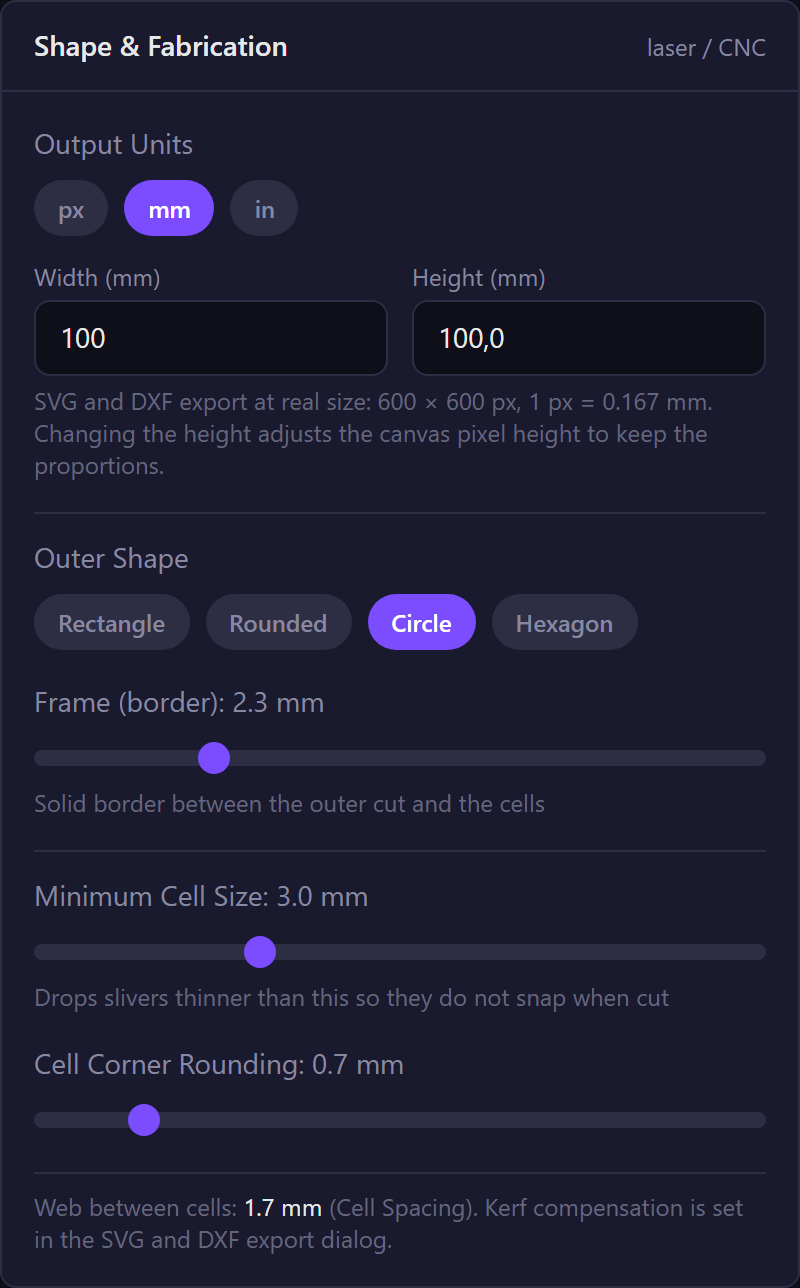
Turn a Voronoi diagram into something you can cut. Pick millimetres or inches and a physical size, choose an outer shape and frame, set the web width between cells, drop slivers that would snap, and round the cell corners.
- Output units in px, mm or inches with real panel dimensions
- Rectangle, rounded, circle and hexagon panels with a frame
- Uniform cell spacing (web width) computed as an exact inset
- Minimum cell size and cell corner rounding
Custom Seed Points on the Canvas
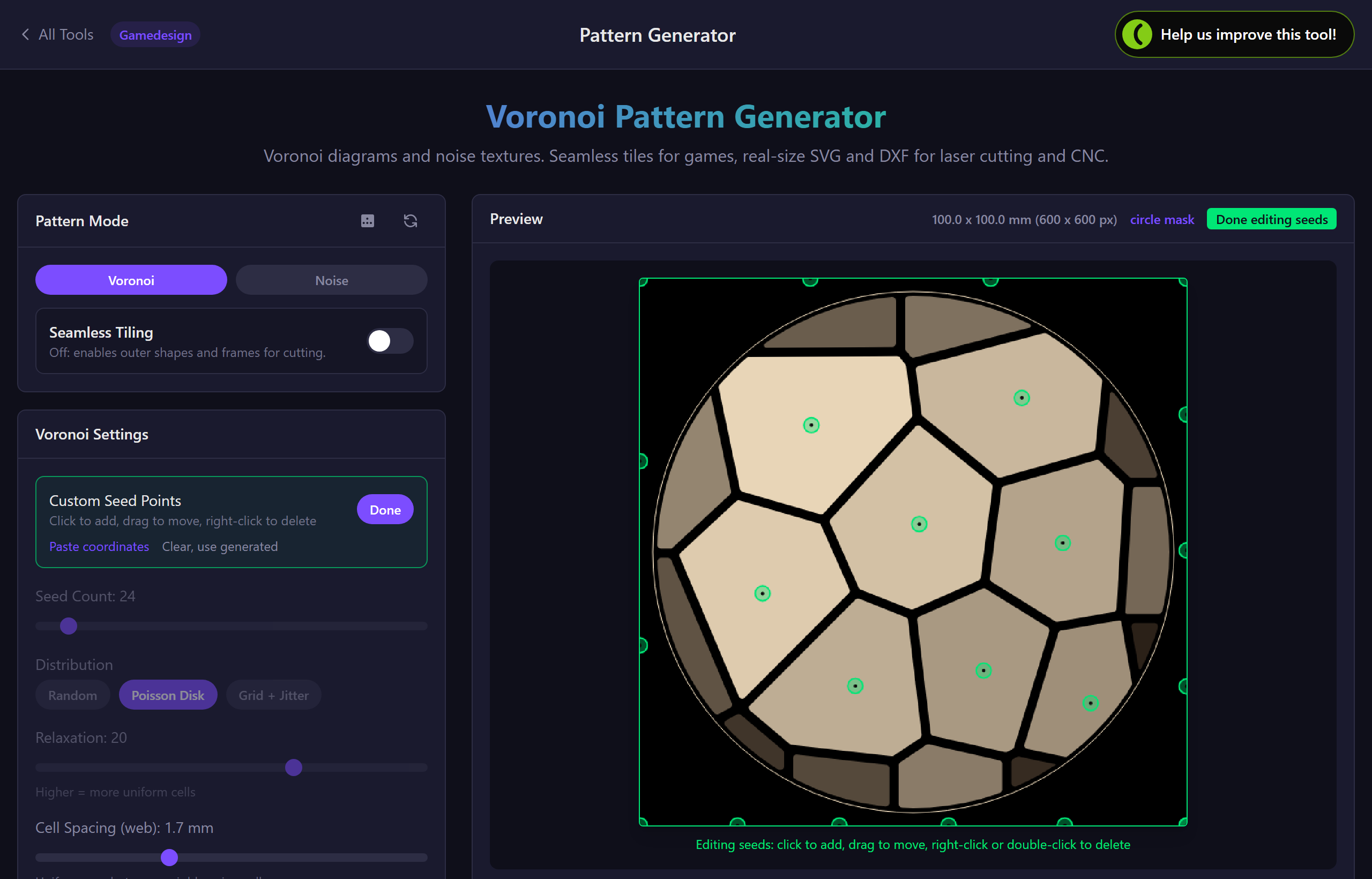
Start from the generated layout and take over: click to add a cell, drag a seed to reshape its neighbours, right-click to delete. Paste coordinates from a spreadsheet when you have a plan. Your layout survives canvas resizes and share links.
- Click, drag and right-click editing on the preview
- Paste x,y coordinates, normalised or in pixels
- Random, Poisson-disk and grid distributions with Lloyd relaxation to start from
Seamless Textures You Can Verify
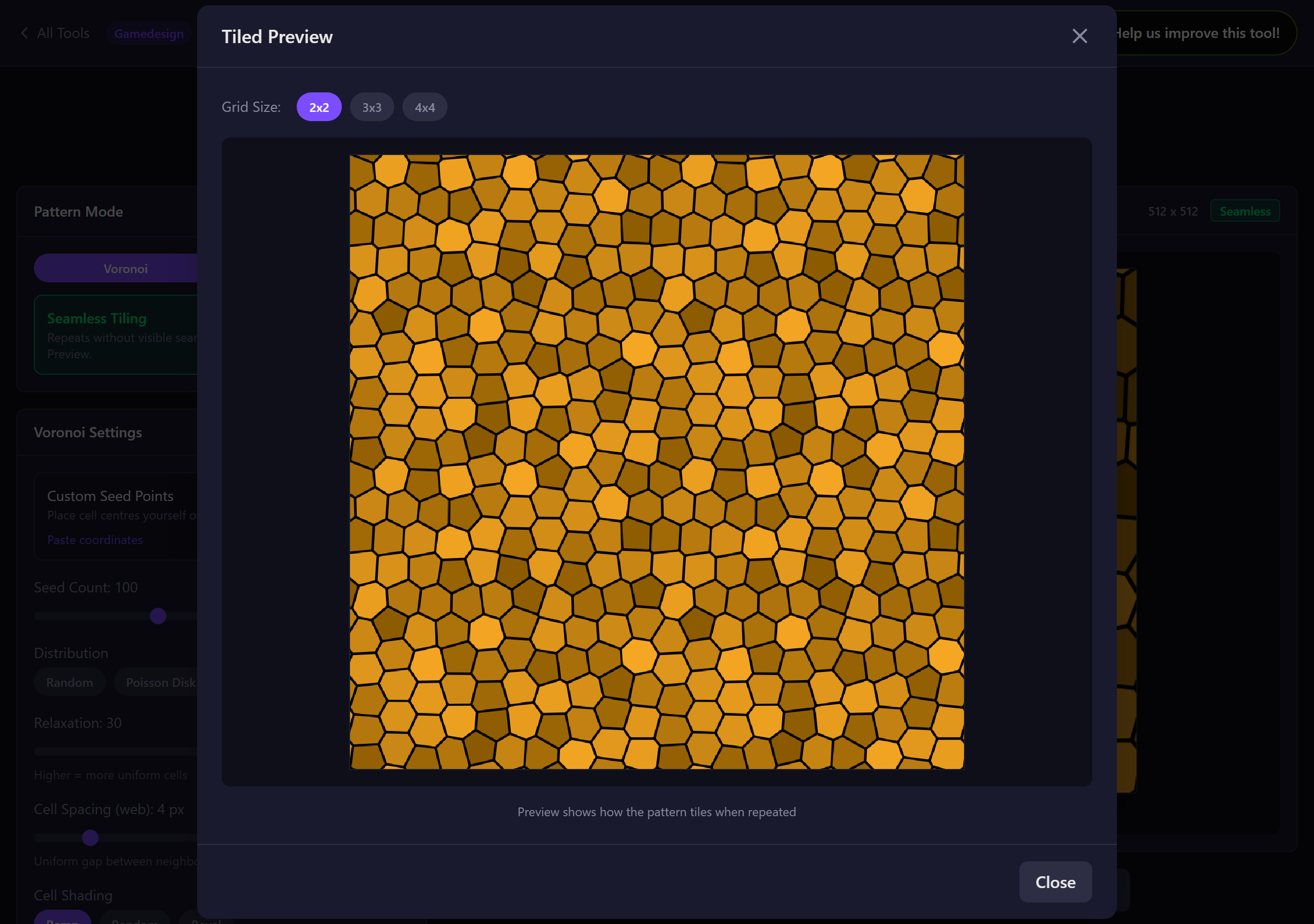
Seamless tiling wraps entire cells across the tile edges, so gaps, rounded corners and bevel shading repeat cleanly. Open the tile preview at 2×2, 3×3 or 4×4 to check before exporting a PNG for your engine.
- Whole-cell wrapping, no clipped edge artefacts
- Ramp, random and bevel cell shading that tile
- Tile preview up to 4×4
Exports: SVG, DXF, PNG, Shaders, JSON
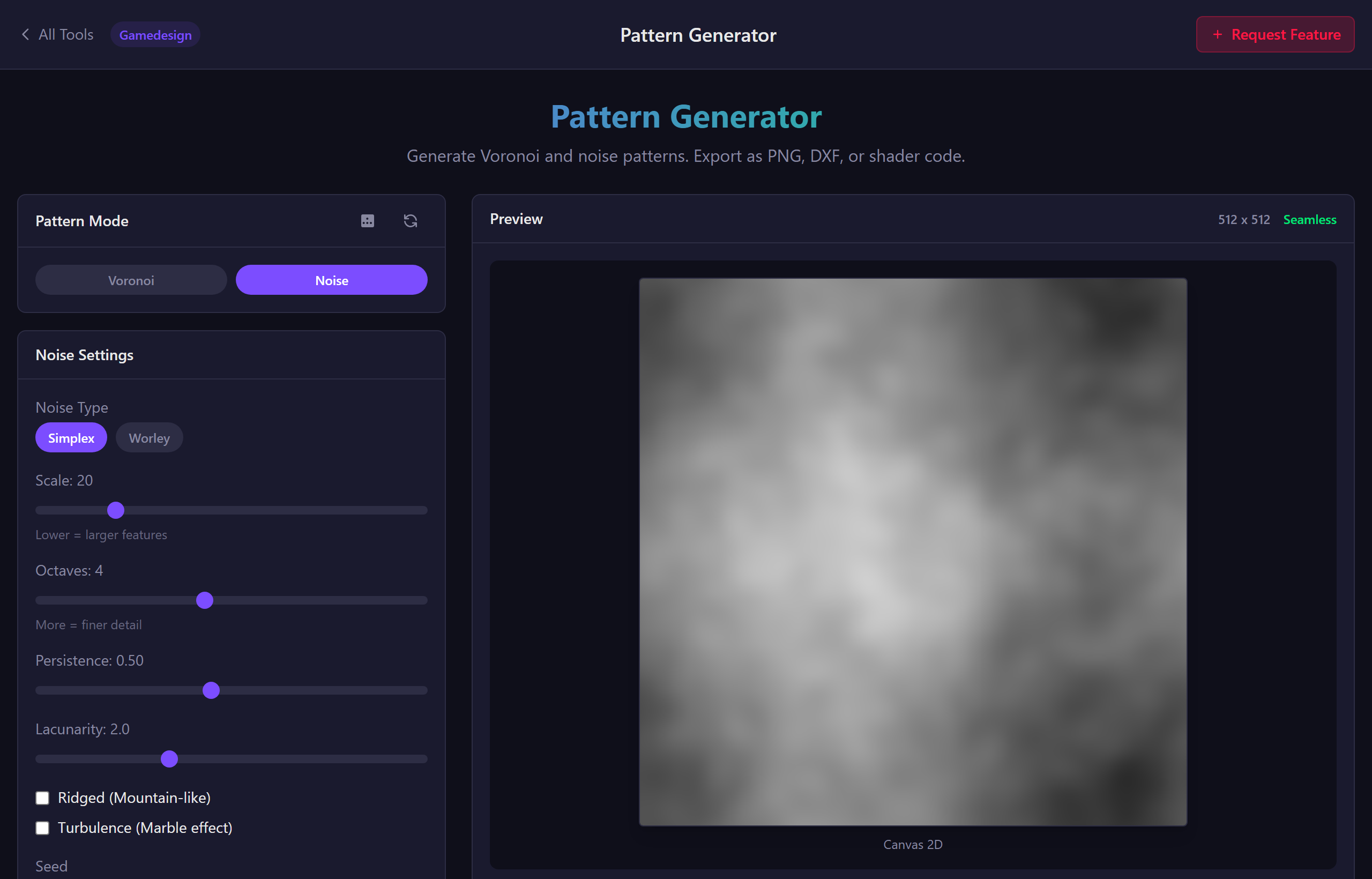
Real-size SVG as artwork or hairline cut lines with cells, frame and seeds on separate layers. DXF with a closed polyline per cell, layers and a units header. High-resolution PNG. Unity and Godot shaders with the exact preview baked in. JSON to save your settings.
- SVG in mm or inches, artwork or cut-lines mode
- DXF R12 with CELLS, FRAME and SEEDS layers and kerf compensation
- PNG at 1x, 2x or 4x
- Unity HLSL and Godot 4 shaders, compile-checked
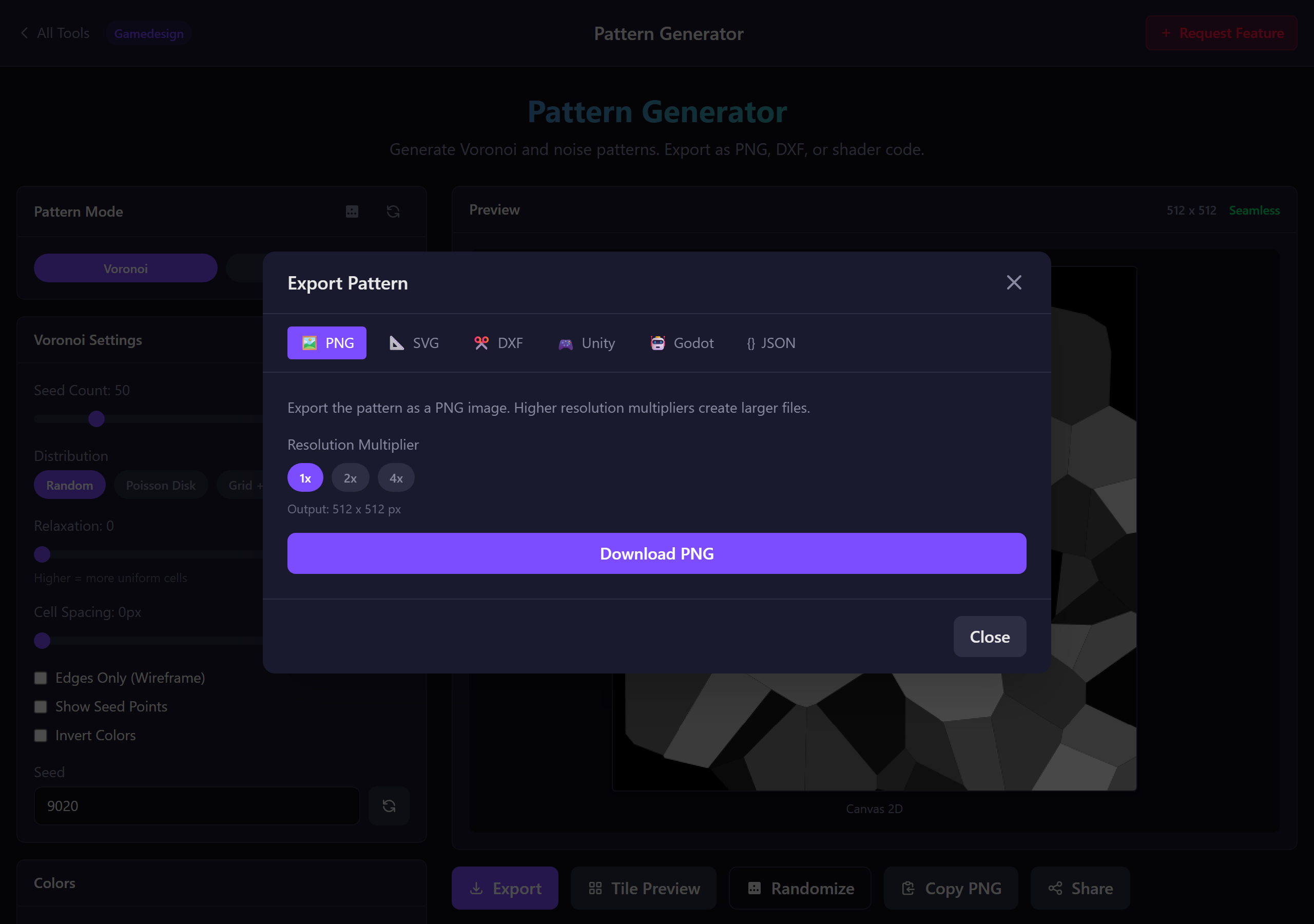
Noise Textures (Simplex + Worley)
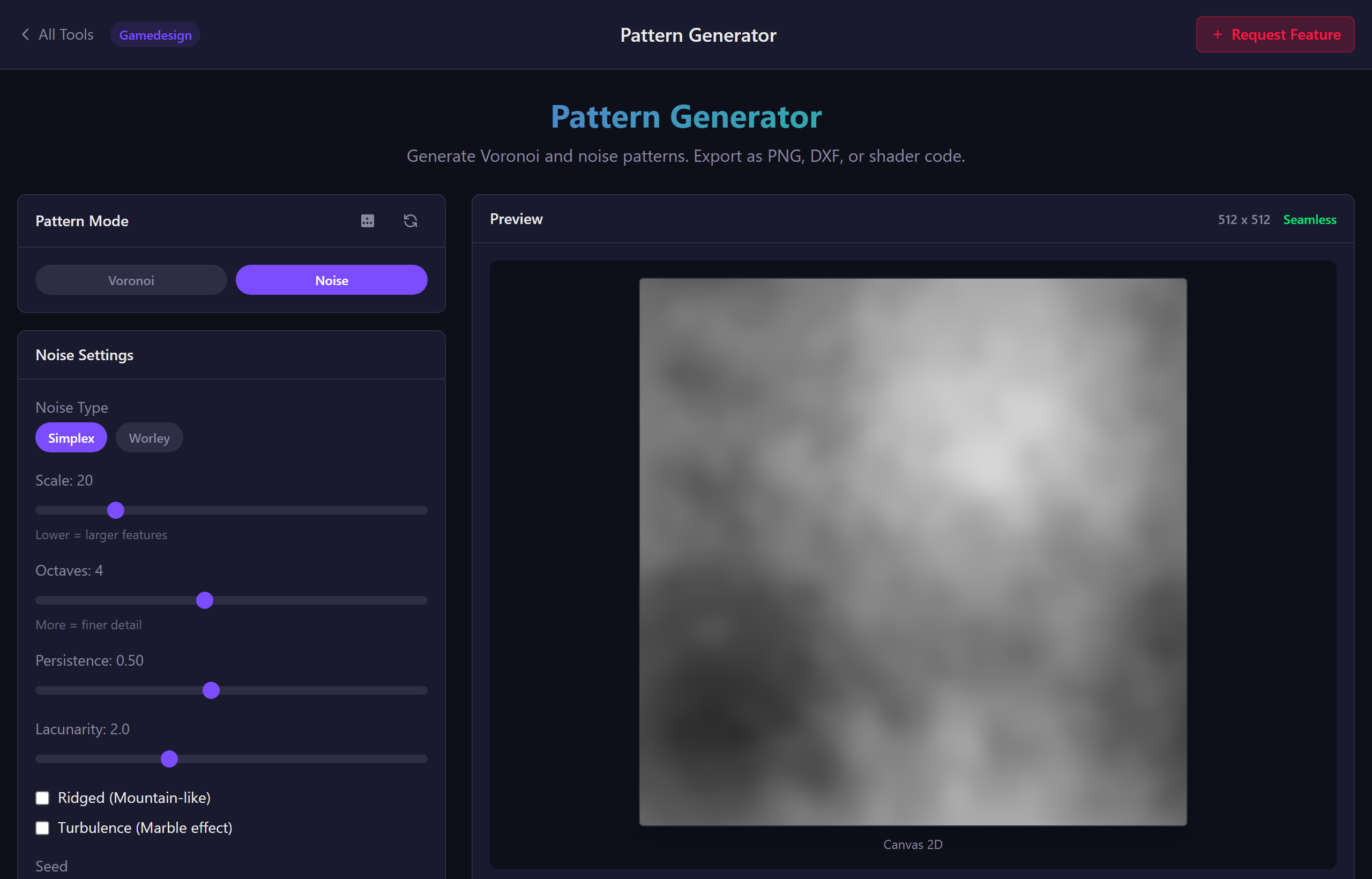
For clouds, marble, terrain and masks: Simplex and Worley noise with octaves, persistence, lacunarity, ridged and turbulence modifiers, rendered live on the GPU.
- Simplex + Worley noise
- FBM octaves with persistence/lacunarity
- Ridged + turbulence modifiers
- Seamless tiling for noise too
Which Export Do I Need?
All vector exports use the same geometry as the preview, so what you see is what gets cut.
Export formats
| Format | Best for | What is inside |
|---|---|---|
| DXF | Laser cutters, CNC, CAD (LightBurn, Fusion, AutoCAD) | Closed polyline per cell on layer CELLS, outer cut on FRAME, seed points on SEEDS, units header, kerf applied |
| SVG cut lines | LightBurn, Inkscape, Glowforge, Cricut | Hairline outlines, cells black, frame red, seeds blue, each on its own layer, sized in mm or inches |
| SVG artwork | Illustrator, print, web | Filled cells with your colours at real size, plus the outer cut line when a shape is set |
| PNG | Game textures, backgrounds, displacement maps | Raster image at 1x, 2x or 4x resolution, seamless when tiling is on |
| Unity / Godot shader | Real-time materials | The exact seed positions and cell values from the preview with editable spacing, shape, frame and colours |
| JSON | Saving and sharing settings | Every setting, including custom seeds |
Kerf compensation shrinks each cell hole and grows the outer cut by half the kerf, so the finished web width matches the preview.
Common Questions
Ready to Cut, Tile or Shade a Voronoi Pattern?
Free to use. No signup required.
Launch Voronoi Generator